Tenant billing that flows between your property team and accounting.
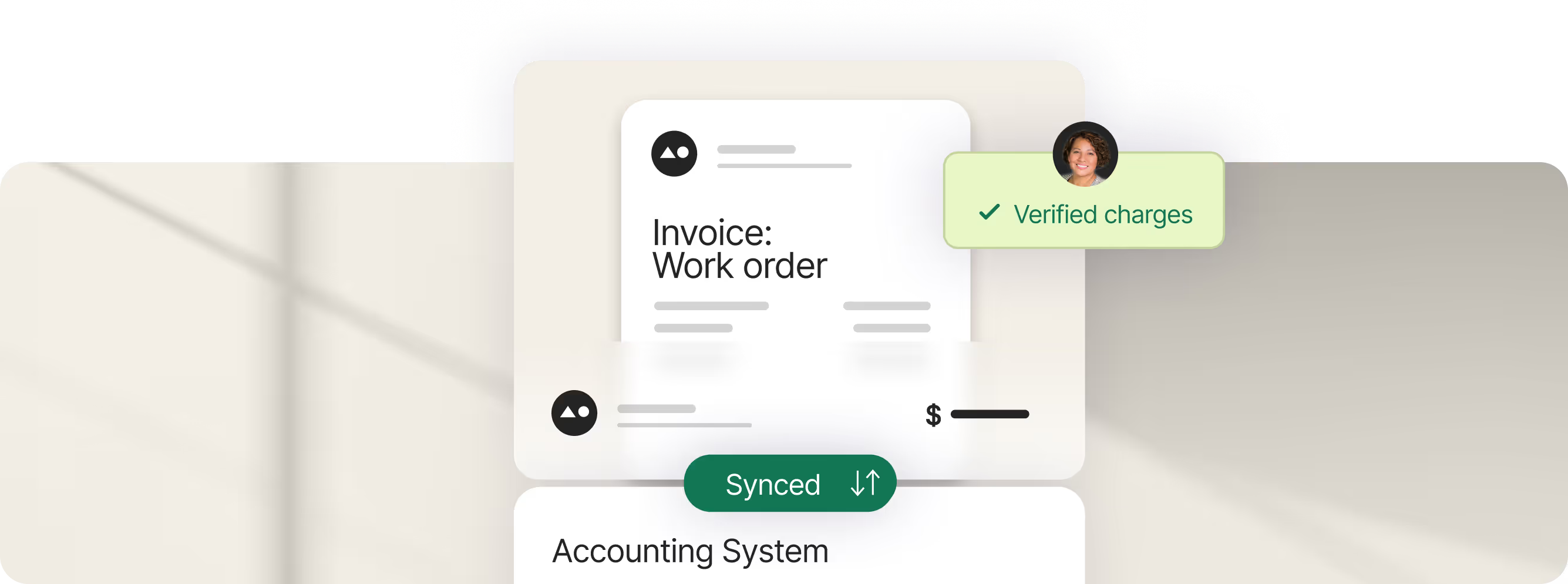
One flow for syncing your billing to your financials.
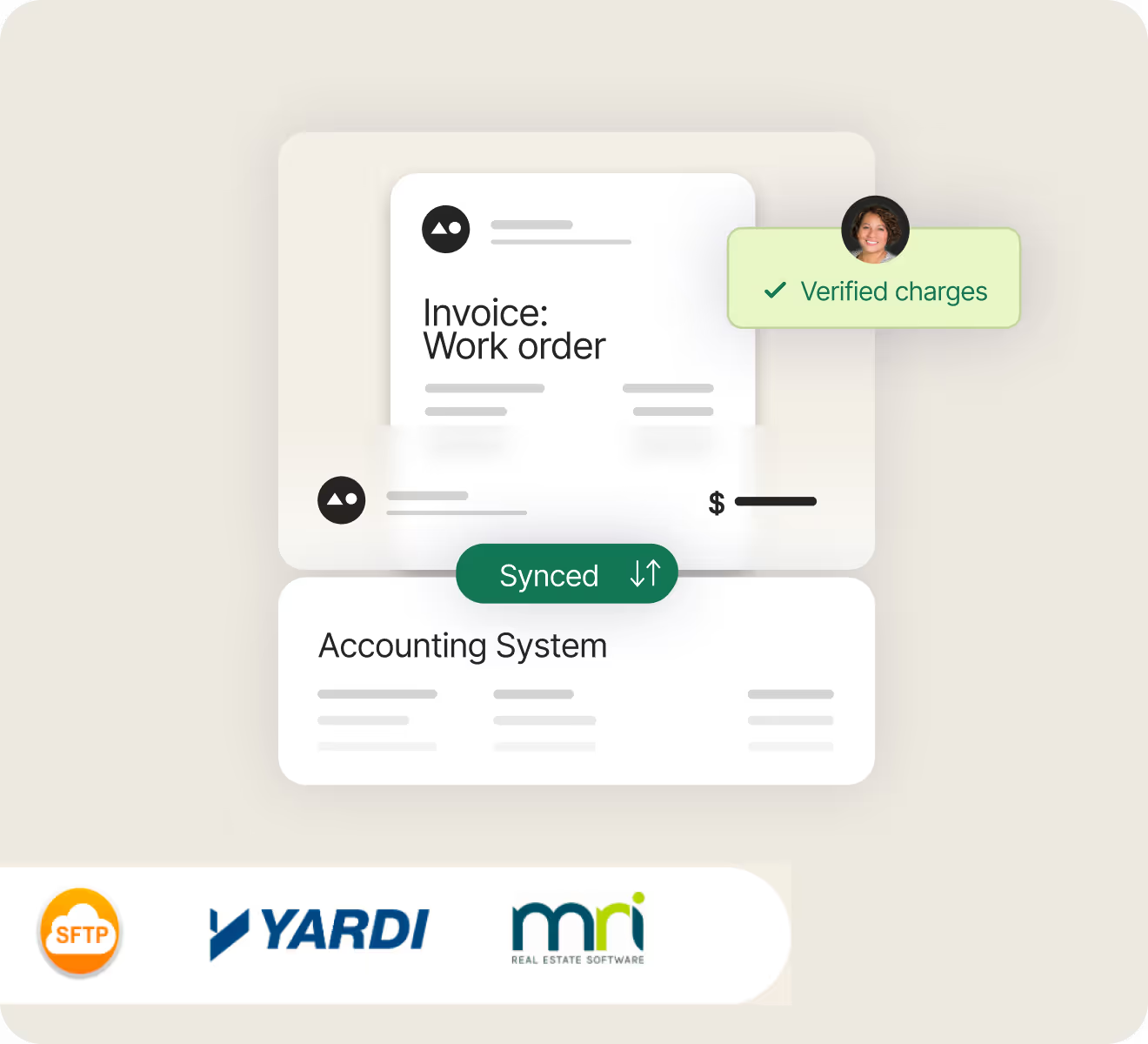
Most property teams run different accounting systems. Visitt is a certified partner with Yardi and MRI, syncing verified charges directly. Carr Properties connected their utility metering system and ERP via Visitt's Partner API, turning eight hours of work into less than one.
- Accounting panel Queue verified charges before they sync to your software. Review the history, handle errors, and set cutoff dates in one place.
- Yardi-certified interface partner Charges sync directly to Yardi, ready for invoicing. Tenant company names are included for commercial properties.
- MRI-certified sync Charges sync to MRI the same way: billing data syncs to MRI without re-entry.
- Custom integrations Visitt supports custom integrations for teams using other accounting and billing systems.Learn more about Visitt Integrations →
Track every charge from the work order.
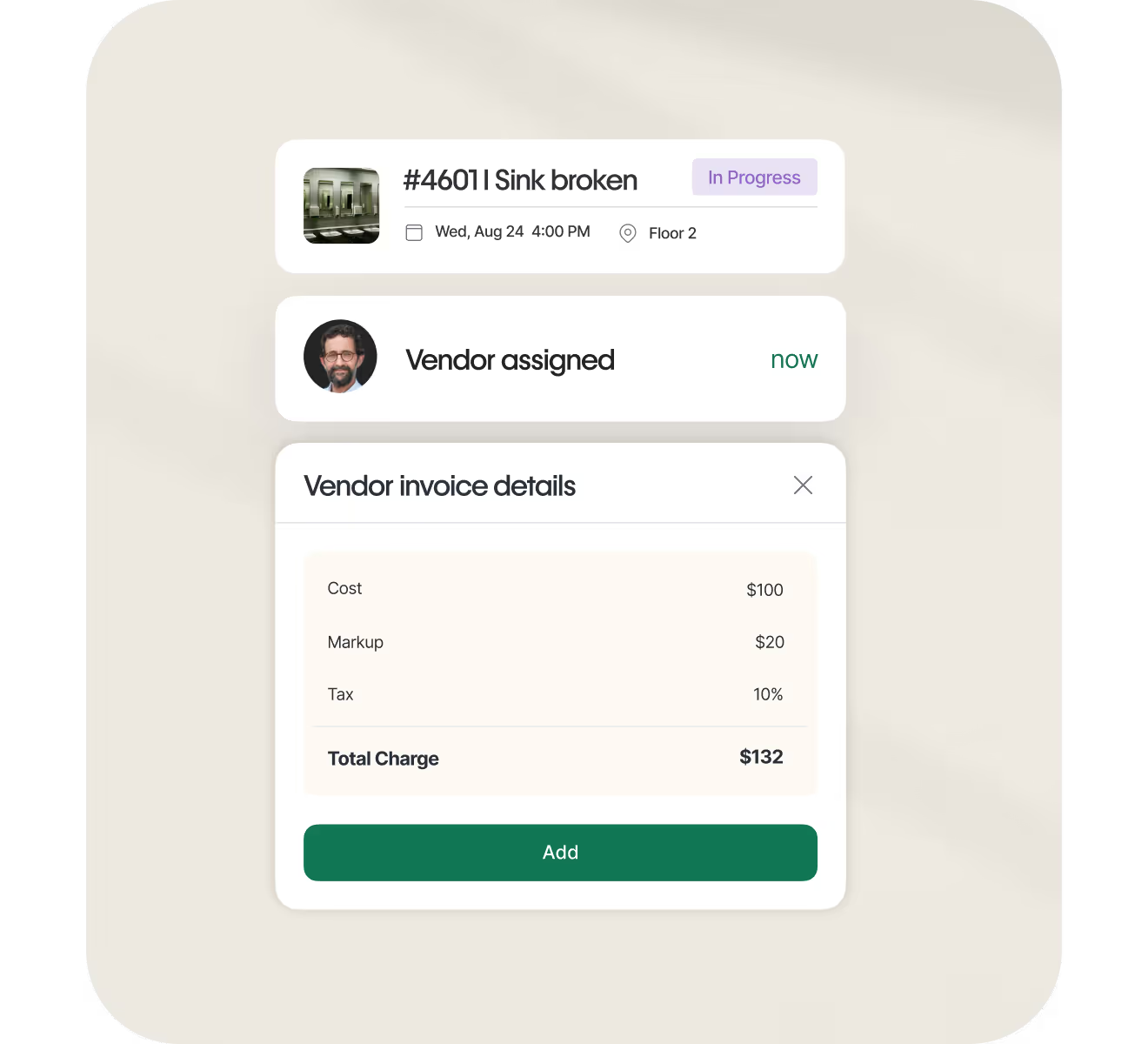
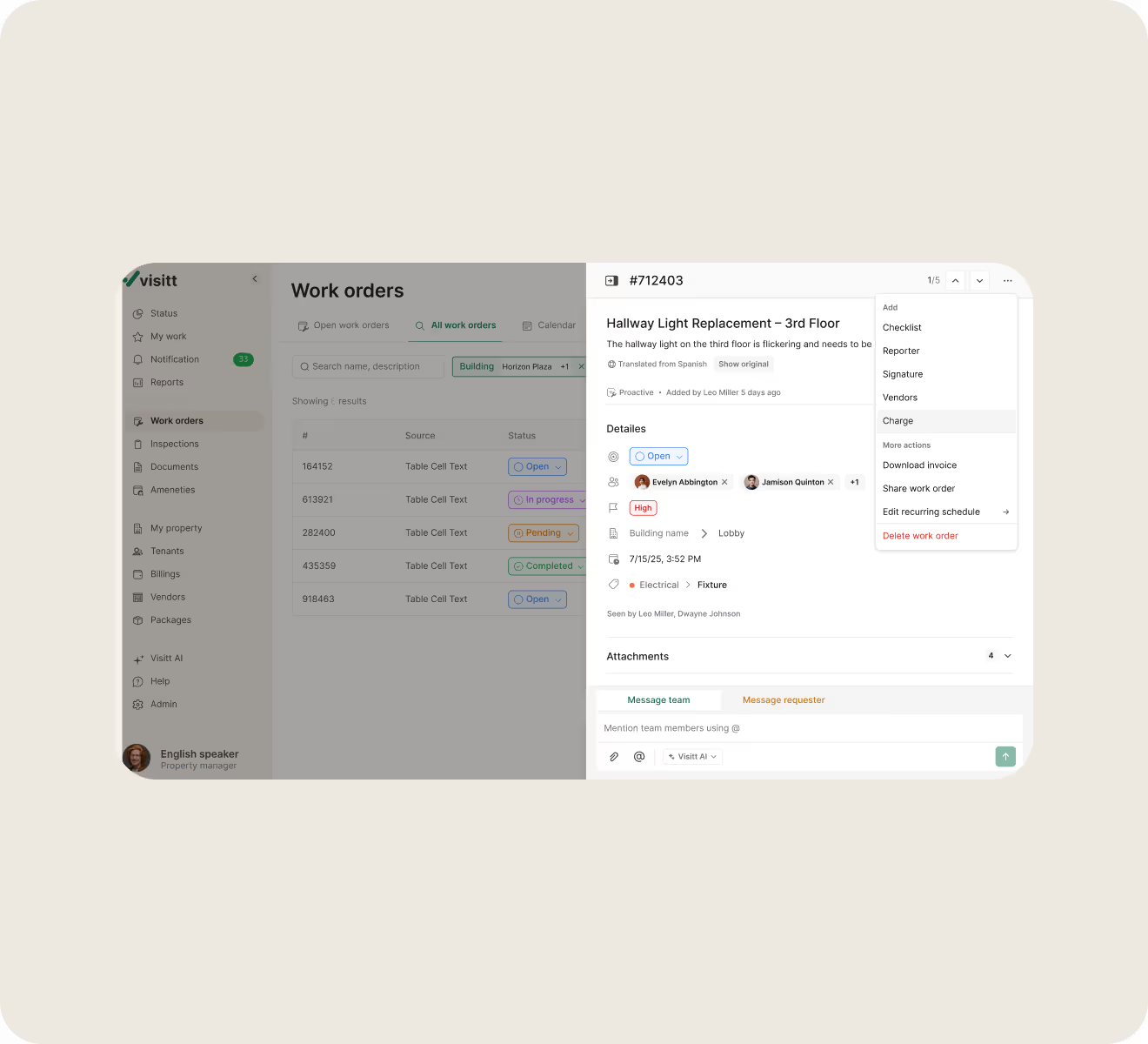
When a maintenance request becomes billable, charges live where the work lives. Add labor, parts, and markup directly to work orders. Amenity fees work the same way—all connected to the tenant who owes it.
- Billable items you define once Set up your standard charges—labor rates, common parts, service fees—with cost, markup, and tax status. Your team picks from the list.
- Charge codes library Manage codes at property or global level. Keep billing consistent across your portfolio for easier reporting.
- Charges attached to work orders Add labor or parts directly on the work order. The charge stays connected.
- Amenity fees in the same system Paid amenities, such as conference rooms and event spaces, flow into the same billing workflow.
Easy tenant admin approval for billable work.
With our tenant billing software, send charges for tenant approval before work is complete—with a signature, timestamp, and a record of what was agreed to.
- Request approval with one click Send itemized charges for review. You can attach vendor quotes too.
- Tenant admins e-sign in the app The tenant admin reviews and signs electronically with their name and timestamp, with no back-and-forth.
- Document what was approved See who signed, what they signed, and when.
Clean, clear data for your accounting.
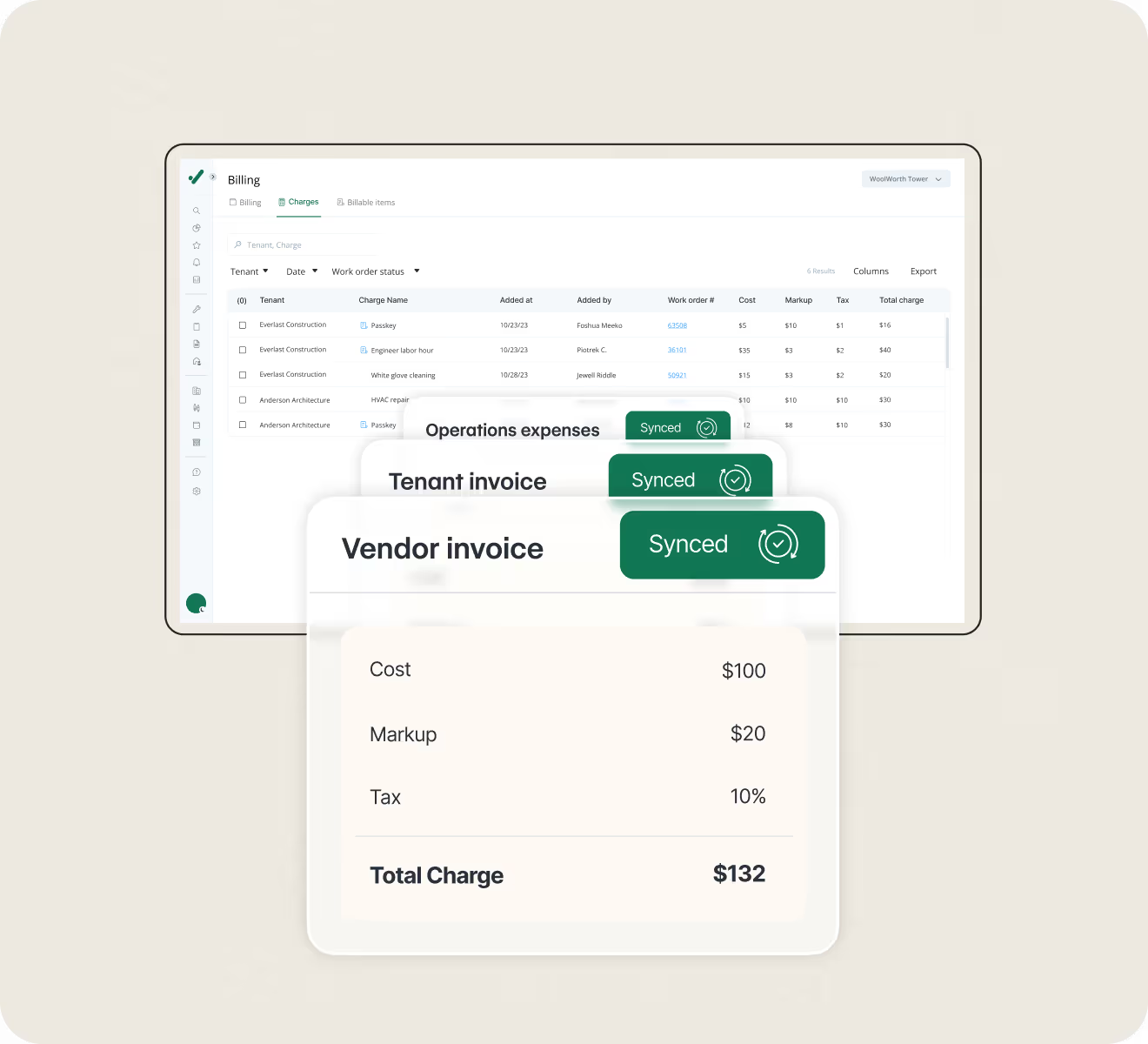
Before charges go to accounting, verify them in Visitt. Then export or sync directly to your accounting software. The charges page keeps your billing information.
- Billing inbox for review: See all charges from completed work orders awaiting review. Sort by tenant, date, and status. Verify to set the status.
- Export charges to CSV Download all or selected charges. Clean data for accounting, no re-entry needed.
- Download invoices Generate work orders for tenants. Share with the tenant or accounting.
FAQ
How does Visitt handle tenant bill-back for maintenance work?

Tenant billing for maintenance attaches directly to work orders. When a job requires billable labor or parts, your team adds them from a pre-set list or creates a new charge on the spot. The charge includes cost, markup, and tax status—and the total is visible before anyone sends it for approval.
From there, you request tenant approval through Visitt. The tenant reviews and signs in the app. Once approved, you verify the charge and export to accounting or sync with your ERP. The full bill-back flow stays in one system.
Can tenant admins approve charges before we bill them?
Yes, and that's the recommended workflow. When charges are ready, you send them to the tenant through Visitt. They see the itemized list in their app, review it, and sign electronically.
The approval captures who signed, what they agreed to, and when. If a billing dispute comes up later, you have documentation—not just an email thread.
Does Visitt integrate with our accounting system?
Visitt is a certified partner with Yardi and MRI. Once you verify charges in Visitt, they flow to your accounting system ready for invoicing. You can also export verified charges as a CSV if that fits your workflow better.
For commercial properties, the Yardi integration syncs tenant company names. Operational contacts are managed in Visitt, while lease and billing contacts stay in Yardi.
How do we verify charges before sending them to accounting?
The billing page shows all pending charges. You review each one—correct tenant, correct amount, correct work order—and click verify. Once verified, the charge locks. The work order and amounts can't be changed after that.
When you're ready to send charges to accounting, export a CSV or sync with your ERP.
Can we bill for amenity bookings through Visitt?
Yes. When tenants book paid amenities—conference rooms, event spaces—the charges flow into the same billing system as maintenance charges. You verify and export everything together.
Yes. The Tenant App is fully personalized with your logo, colors, and imagery so that tenants see your brand. Property admins can manage branding, pages, and settings themselves using a live editor—no code or Visitt support required.
Every tenant interaction flows into your Visitt operations platform. Requests become work orders automatically. Amenity bookings flow into billing. Recurring issues are flagged by Visitt AI for escalation. You're not managing a separate tenant system because it's all connected.
Tenants get faster responses, real-time status updates, and self-service access to building resources. They're not waiting on hold, chasing emails, or wondering if anyone saw their request. That adds up to a better experience—and better retention.
Lorem ipsum dolor sit amet, consectetur adipiscing elit, sed do eiusmod tempor incididunt ut labore et dolore magna aliqua. Ut enim ad minim veniam, quis nostrud exercitation ullamco laboris nisi ut aliquip ex ea commodo consequat. Duis aute irure dolor in reprehenderit in voluptate velit esse cillum dolore eu fugiat nulla pariatur.


