Property compliance you can rely on.
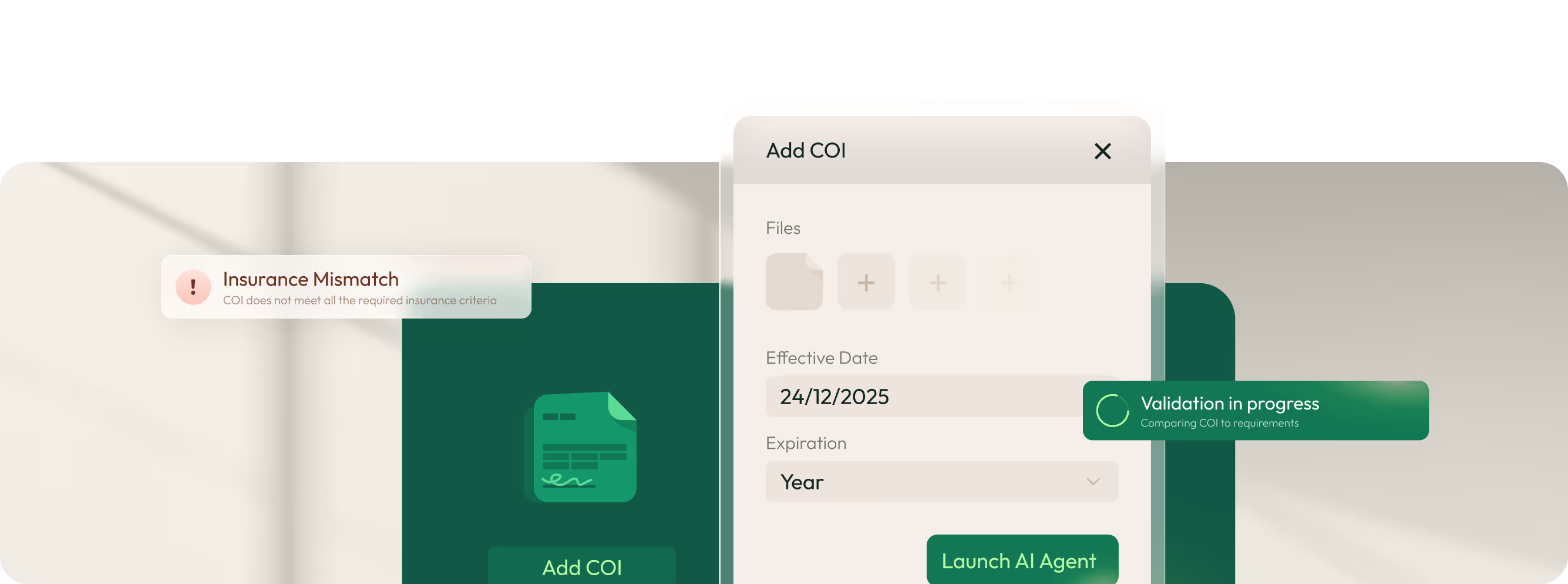
The only self-running COI agent in CRE operations.
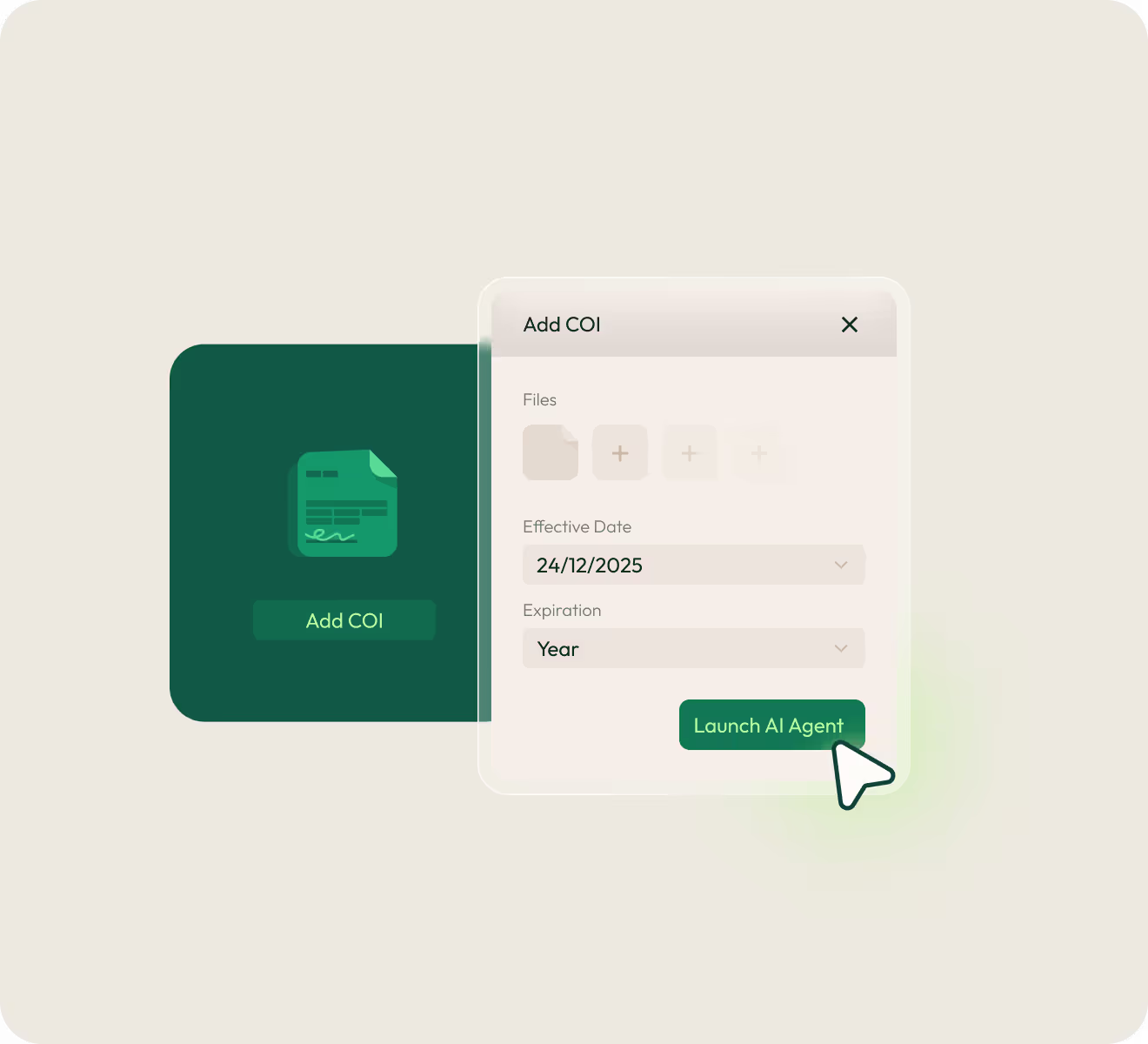
Most COI compliance software tracks documents and sends reminders, but you still have to read every certificate and chase missing items. Visitt's COI Agent runs it all: reads your leases, validates certificates, and handles the follow-up in. You review exceptions only.
- Reads your leases Upload lease documents and the Agent extracts coverage types, limits, and additional insured language automatically.
- Validates every certificate Checks against requirements and flags gaps. Compliant ones file themselves; problems get routed to you.
- Chases renewals for you Sends scheduled renewal requests to tenants and vendors. It handles the back-and-forth until human input is needed.
Try the COI Agent Savings Calculator →
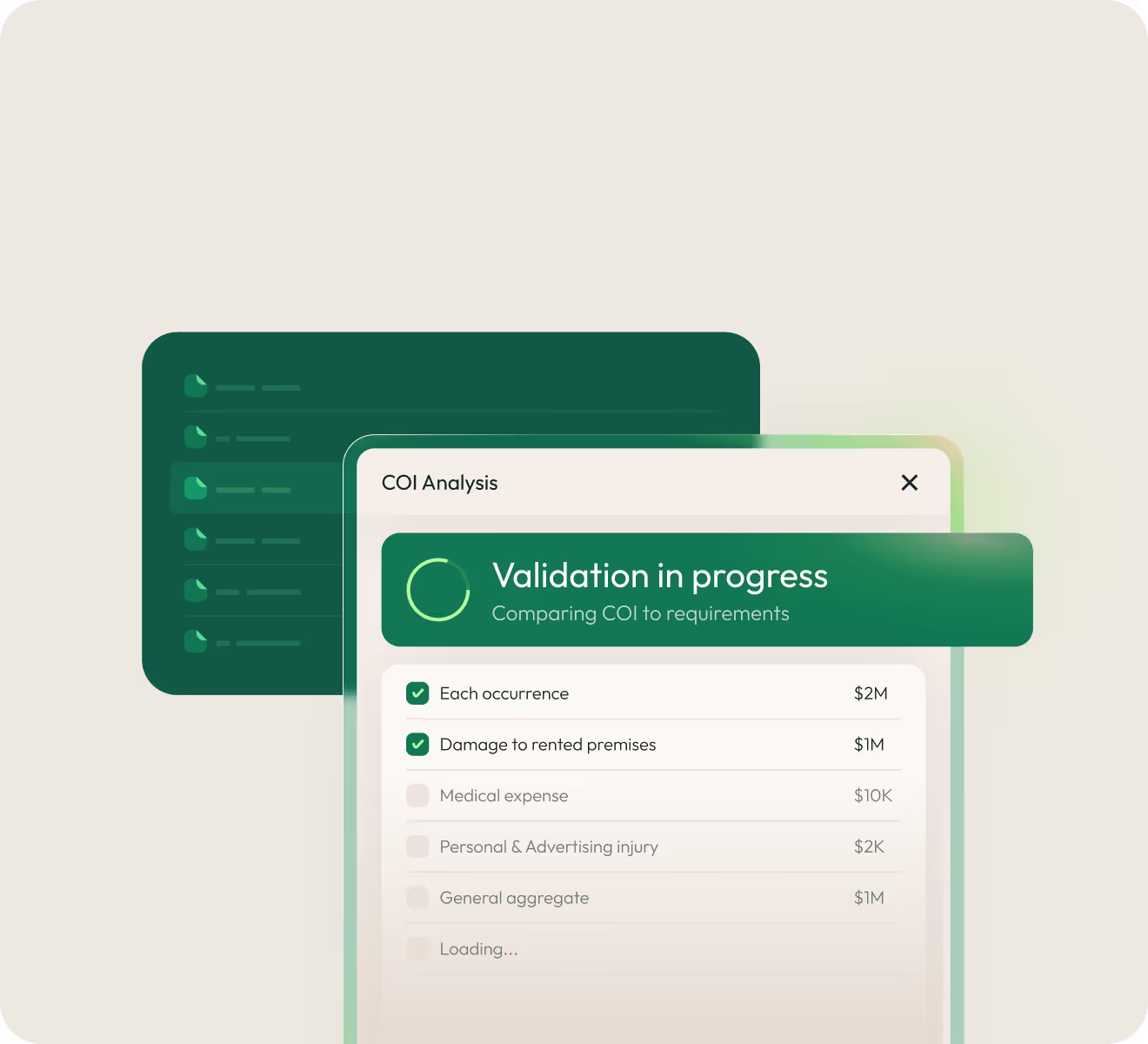
Every contractor is covered before they start work.
Your insurance requirements stay the same even if vendors come and go. Visitt keeps vendor compliance visible across your portfolio. The COI Agent handles the chasing so you know who's covered before they start work.
- All vendors in one view See compliance status: Compliant, Non-Compliant, or Missing. Search and filter in seconds.
- Set requirements by category Create templates by risk level, vendor type, or custom tag. Assign once and the Agent validates automatically.
- Customize renewal emails. Add property-specific requirements. Assign COI owners to review and approve. Full history on each vendor profile.
- Agent-powered renewals Vendors get requests before coverage lapses. You step in only if something doesn't match
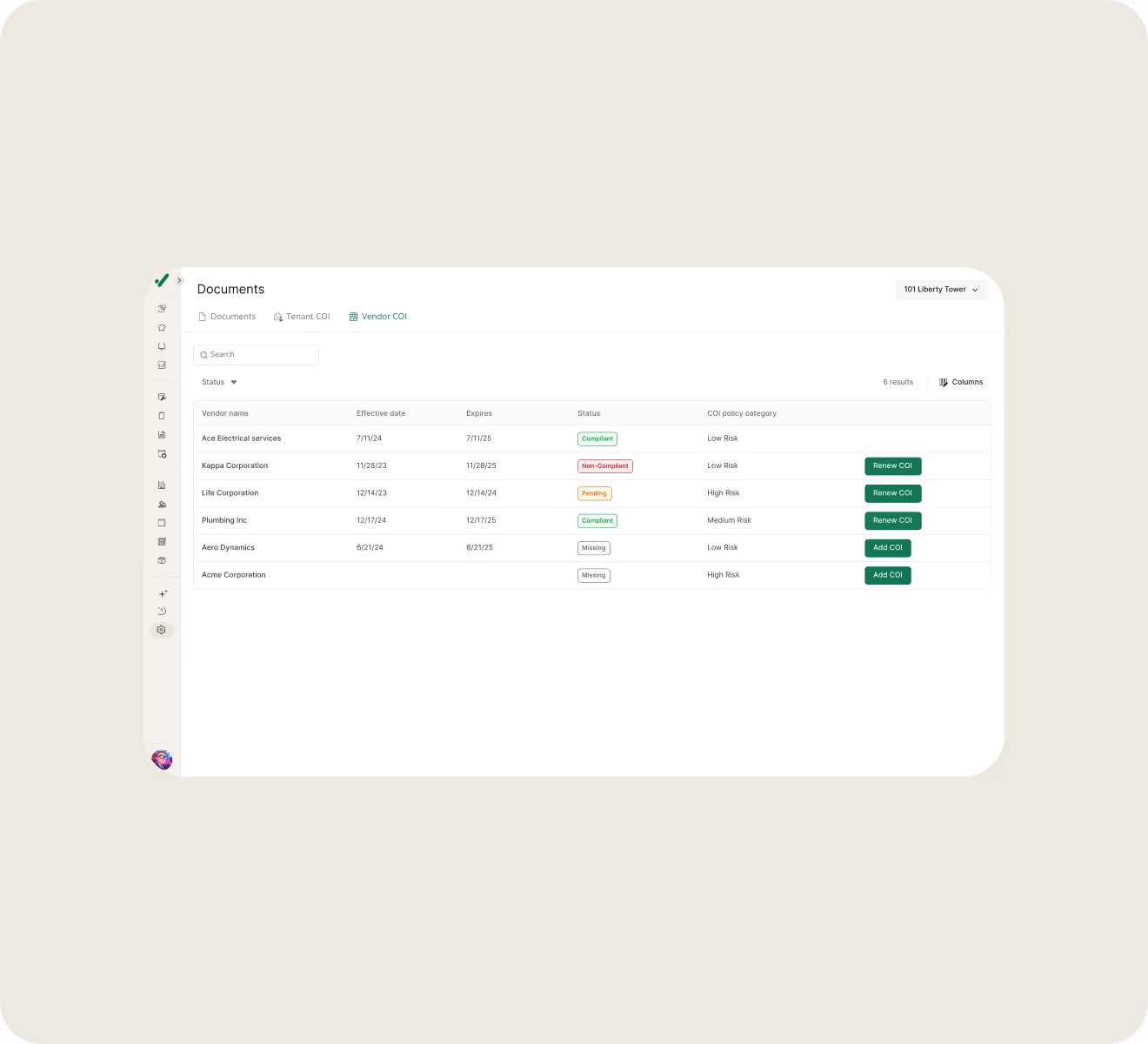
Tenant insurance tracked where you track everything else.
Your lease says they need coverage. Your job is making sure they have it. Visitt puts tenant COI tracking where you manage work orders, communications, and billing. The COI Agent extracts requirements and chases renewals.
- Status for every tenant View all tenants with COI status at a glance. Expiring documents are automatically flagged. See the full history on the tenant profile.
- Lease-based requirements Upload the lease and the Agent extracts insurance requirements. Or set manually. Customize or apply global defaults. Assign COI owners to review.
- Agent-powered renewals Renewal reminders go out automatically to tenant admins and COI owners. Customize emails, attach requirements, upload certificates and you’re done.
Keep all your certificates and permits in one place.
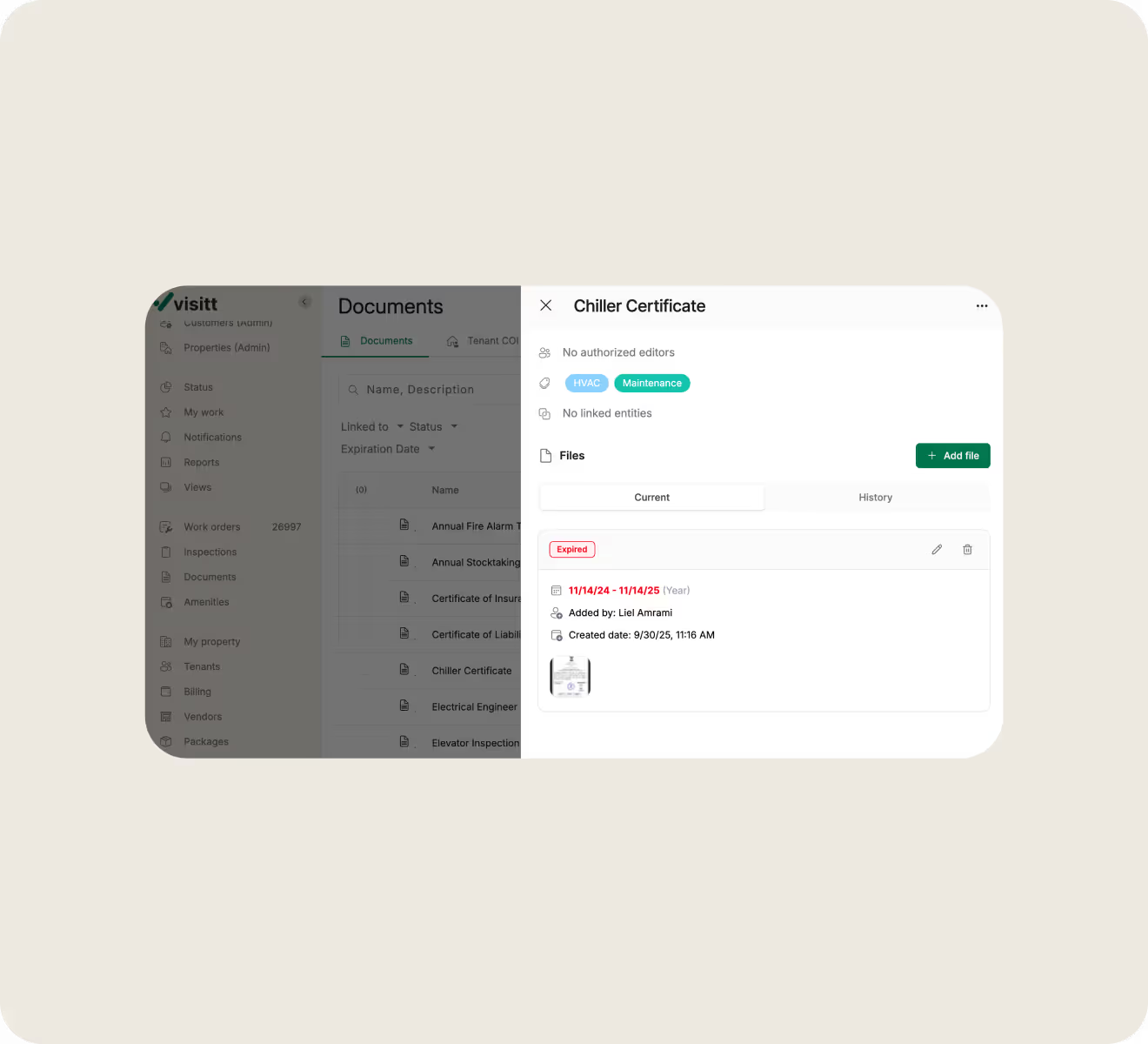
Save all your property’s important compliance documents, such as elevator inspections, fire safety permits, HVAC certifications, and warranties. Visitt tracks expiration dates, sends reminders, and records the files so you're prepared for audits.
- Expiration tracking at a glance Expired show in red, expiring soon in orange. Set reminders to match your renewal cycles.
- Organize with custom tags Tag documents for quick filtering, such as fire department, elevators, and maintenance.
- Link to properties, tenants, vendors, or equipment Find elevator certificates, vendor service contract, or equipment warranties fast.
- Version history and audit trail Upload a new certificate and the old one moves to history with timestamps.
Log incidents once, and find them when you need them.
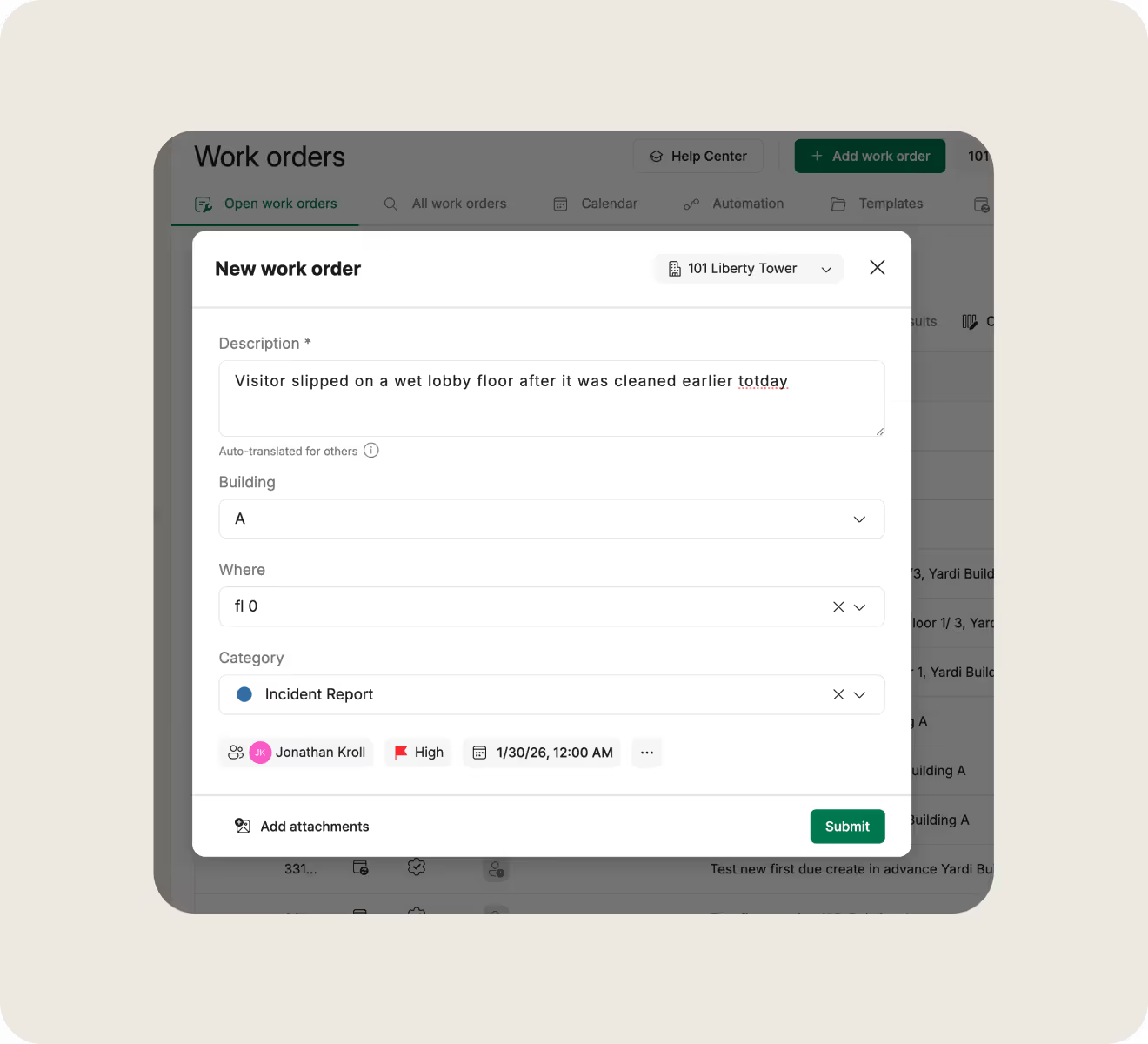
When an incident occurs, you need timestamped, searchable record on the same platform as your operations. Create incident report templates within work orders for easy logging and recordkeeping.
- Templates for consistent capture Build incident templates with the right category, description, and checklists. Attach photos and save.
- Filter and export for claims Pull records by property, date range, or type for claims or audits.
FAQ
How do property managers track certificates of insurance?

Most teams track COIs with spreadsheets, calendar reminders, and email, which means manual data entry, certificates that slip through the cracks, and no easy way to know who's actually compliant. Visitt centralizes tenant and vendor COIs in one system with automatic expiration alerts, compliance status tracking, and scheduled renewal reminders. The COI Agent adds automatic validation against lease requirements, so you know whether a certificate actually provides the coverage you need.
What makes Visitt's COI Agent different from other COI software?
Most COI compliance software tracks documents and sends reminders—but you're still reading certificates yourself, comparing them to requirements manually, and chasing missing items through email. Visitt's COI Agent reads your leases to extract requirements, validates incoming certificates automatically, handles all renewal communication, and routes only exceptions to your team. You're not managing the process. You're reviewing what the Agent couldn't resolve.
How do I ensure vendors have proper insurance before they start work?
Define your requirements by risk tier—general liability limits, workers' comp, additional insured endorsements. Assign each vendor to a tier, and the COI Agent checks every certificate against those requirements automatically. You see exactly what's missing before they walk through the door, and only mark vendors compliant when they actually are.
What types of compliance documents can I track in Visitt?
Any compliance document with an expiration date or renewal cycle: elevator certifications, fire safety permits, HVAC inspection reports, equipment warranties, service contracts, and regulatory permits. Each document gets expiration tracking, reminder alerts, version history, and the ability to link to properties, tenants, vendors, or equipment. You can tag documents for easy filtering and export records when you need them for audits.
How do property managers track incidents?
Most teams rely on paper forms, emails, or spreadsheets—and those records tend to get lost when you actually need them. Visitt lets you create incident reporting templates within work orders, so logging takes seconds, records are automatically timestamped, and everything stays in the same system you use for maintenance and compliance. When you need documentation for claims, audits, or legal requests, you filter by category and export.
What should be included in an incident report?
A good incident report captures the basics: date, time, and location; what happened and who was involved (employees, tenants, vendors, visitors); any injuries or property damage; and what immediate response was taken. Photos help if you have them. Visitt templates let you build checklists that walk through each item so nothing gets missed in the moment.
Do I need separate systems for COI tracking, document management, and incident reporting?
No. Visitt handles all three in the same platform—COIs for tenants and vendors, compliance documents like building certifications and permits, and incident records. Everything connects to properties, tenants, and vendors, so you're not reconciling data between systems or searching multiple places when an auditor asks for documentation.
Tenants get faster responses, real-time status updates, and self-service access to building resources. They're not waiting on hold, chasing emails, or wondering if anyone saw their request. That adds up to a better experience—and better retention.
Lorem ipsum dolor sit amet, consectetur adipiscing elit, sed do eiusmod tempor incididunt ut labore et dolore magna aliqua. Ut enim ad minim veniam, quis nostrud exercitation ullamco laboris nisi ut aliquip ex ea commodo consequat. Duis aute irure dolor in reprehenderit in voluptate velit esse cillum dolore eu fugiat nulla pariatur.


